Cast "Nox" to Turn Off Your iPhone Flashlight
“Hey Siri, Nox”
Your rear LED flashlight shuts off immediately.
Apple’s official Harry Potter wand-lighting Easter egg: saying "Lumos" switches your iPhone rear LED flashlight on immediately.
“Hey Siri, Lumos”
Alternate Variations That Also Work
Expected Result
Your iPhone flashlight turns on and Siri acknowledges "Lumos" (say "Hey Siri, Nox" to turn it off).
Important Requirements & Caveats
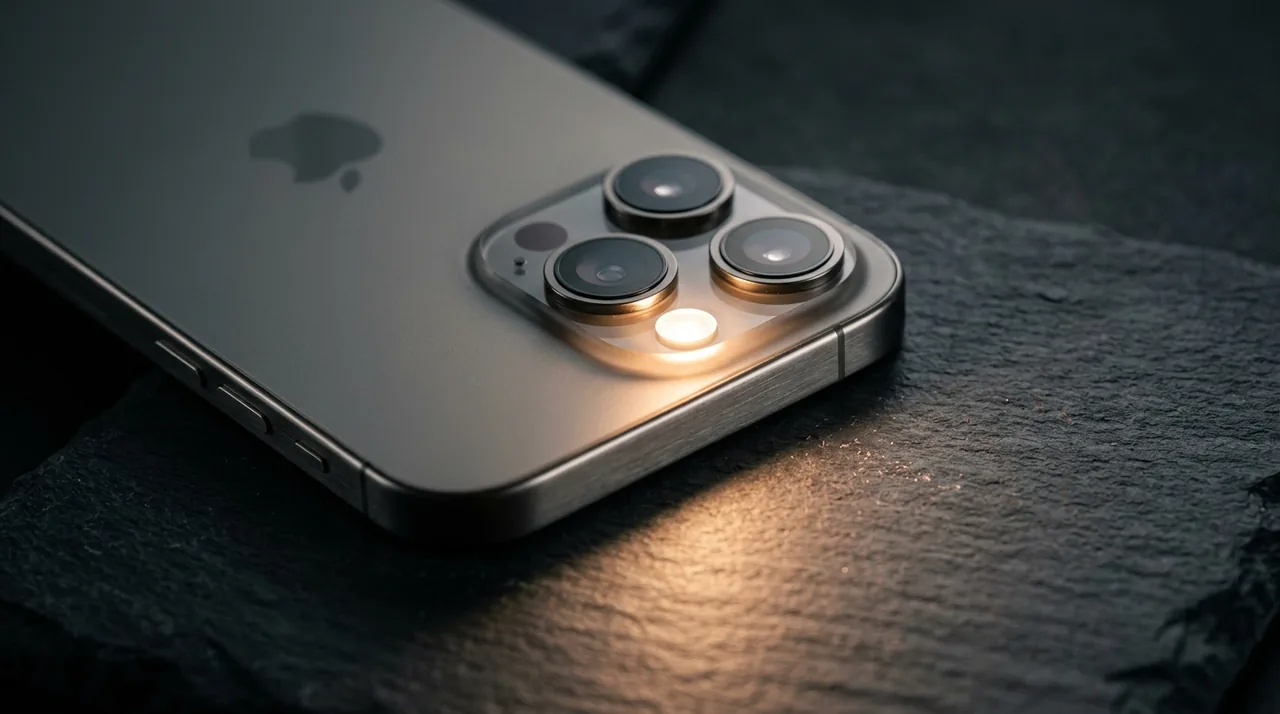
Beyond delighting Harry Potter fans, "Hey Siri, Lumos" and "Hey Siri, Nox" are genuinely shorter and faster to say in the dark than "turn on my flashlight" when walking down dark stairs with full hands.
Apple programmed native intent aliases inside Siri specifically recognizing "Lumos" (Flashlight On), "Nox" (Flashlight Off), and "Accio [App]" (Open App). Other spells like Silencio or Lumos Maxima require a custom Shortcut.
Lumos (flashlight on), Nox (flashlight off), and Accio [App Name] (open app) work natively on iPhone out of the box.
No. For security, Apple never unlocks your iPhone or smart locks via spoken spells; you still need Face ID, Touch ID, or your passcode.
Open the Shortcuts app, create a new shortcut named "Silencio," and add the "Set Focus" action to turn on Do Not Disturb.
Similar & companion commands
4 commands“Hey Siri, Nox”
Your rear LED flashlight shuts off immediately.
“Hey Siri, Accio Spotify”
Siri opens the requested app directly without searching the web.
“Hey Siri, Morning Routine”
Siri matches the spoken phrase to your saved Shortcut and executes every chained action automatically.
“Hey Siri, beatbox for me”
Siri clears its voice and delivers a tongue-in-cheek rhythmic "boots and cats and boots and cats" beatbox loop.
Easter Eggs & ShortcutsiOS 27 & iOS 17+5 min
Which Harry Potter spells work on Siri out of the box (Lumos and Nox) and how to build working Shortcuts for Silencio, Lumos Maxima, and Accio in two minutes.
Hidden UtilitiesiOS 27 & iOS 17+6 min
Skip generic lists and try practical hidden Siri commands: parked car lookup, hands-free screenshots, Find My audio pings, name pronunciation fixes, and Safari read-aloud.